Two things are new at BizPlug. The plug-in marketplace is open in the client portal, so a business can choose the ChatGPT plug-in for its industry and take it from data to a live address itself. And the package of every industry plug-in is now public on GitHub, so anyone can see what a plug-in does before signing up.
The marketplace: from your industry to a plug-in address
The marketplace is in the BizPlug client portal at bizplug.ai/portal. You sign up, add your business profile and browse the 80 industry plug-ins. Each plug-in's page shows the menu your customers will see in ChatGPT, the data it needs from you and how to provide it.
- Pick your industry. Each plug-in has one main function: order ahead for a coffee shop, availability and price for a venue, open times for a dentist, an estimate for a plumber.
- Send your data. Every plug-in lists its files column by column, with a CSV template and an example row for your industry. Upload the files, or submit them through the data API with an API key you create in the portal.
- Hand it to an AI agent if you like. Each plug-in comes with instructions an agent can follow to collect the data from your own sources and submit it.
- Request a test deploy. BizPlug publishes your plug-in to a test address, and the portal shows that address with the steps to add it in ChatGPT.
- Request production when you are happy with it. What you tested is what goes live. Files you upload later change nothing until they are published again.
A plug-in answers customer questions from the information you provide and sends orders, bookings and requests to your business to confirm. It does not take payment in ChatGPT itself: customers pay on the business's own payment page, through a Pay online button after a request. The plug-in is $24.99 a month or $199 a year for businesses in any country, and plan details are confirmed with you before any payment.
Every industry plug-in, public on GitHub
The repository github.com/RethinkLedgers/rethink-labs-plugins holds the package of each of the 80 industry plug-ins. It is generated from the same data files as this website, so it stays in step with what BizPlug serves.
- plugin.json: the plug-in's name, description, starter prompts and test cases.
- mcp.json: the address of the plug-in's MCP server, which is what you add in ChatGPT.
- data/requirements.json and data/templates: the datasets a business provides, with a CSV template for each.
- data/AGENT_INSTRUCTIONS.md: how a person or an AI agent collects and submits that data.
The repository contains the packages only. The server code and the data of individual businesses are not in it.
Example 1: Doha Metro Guide
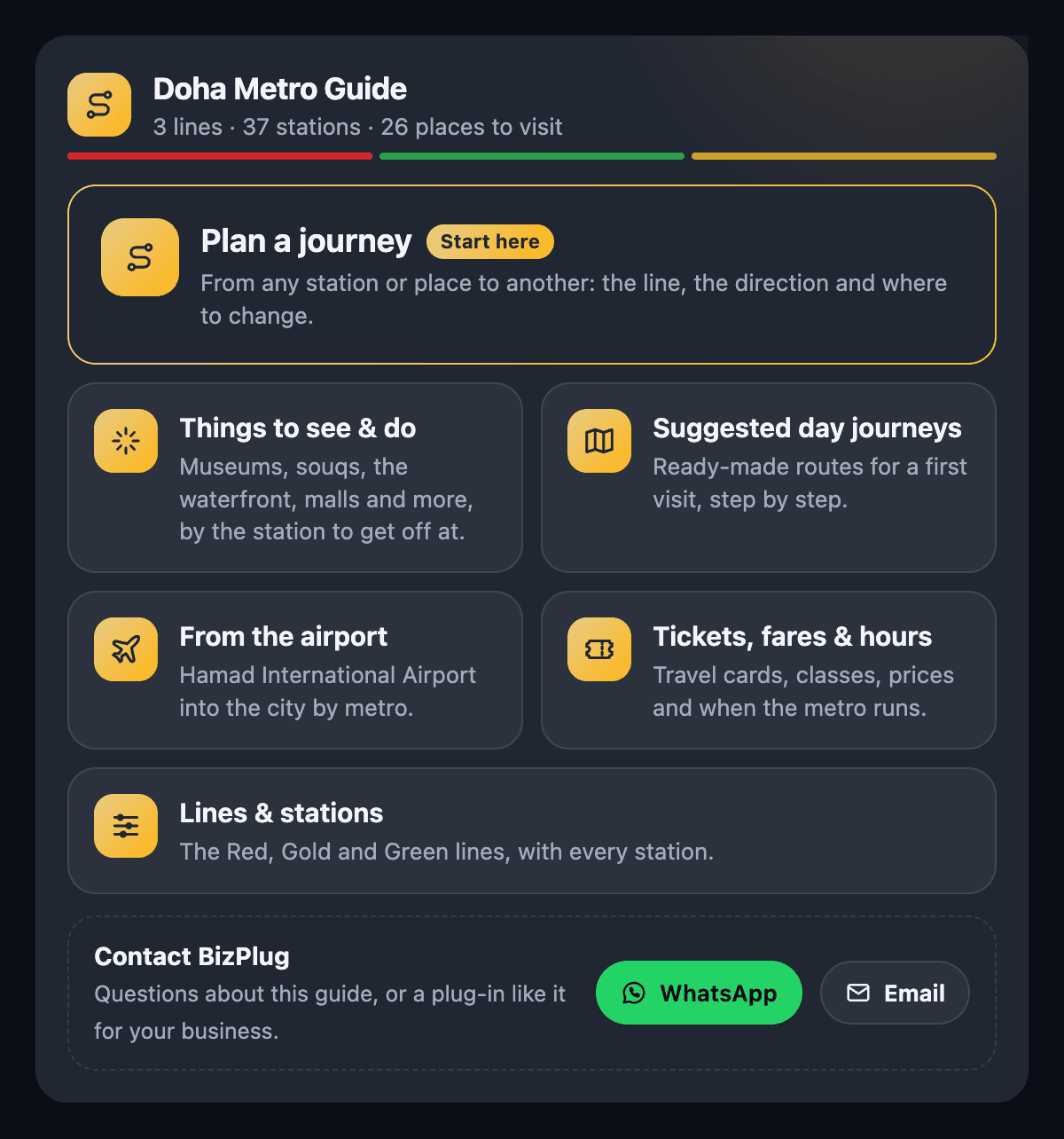
The Doha Metro Guide is a visitor guide to the metro in Qatar's capital. It covers the Red, Gold and Green lines and their 37 stations, 26 places to see and do near them, and 6 suggested day journeys. Ask it how to get from one station to another and it gives the route with the interchange to use; ask what is near a station and it lists the sights. It also gives tickets, fares and opening hours as Qatar Rail publishes them.
- Try: "How do I get from Hamad International Airport to Souq Waqif?"
- Try: "What is there to see near Msheireb station?"
- Add it in ChatGPT with: https://mcp.bizplug.ai/plugin/public-transit/doha-metro
BizPlug made this guide from Qatar Rail's published information. It is not affiliated with or endorsed by Qatar Rail, and times and fares can change.
Example 2: Web Summit Qatar Startups for Investors
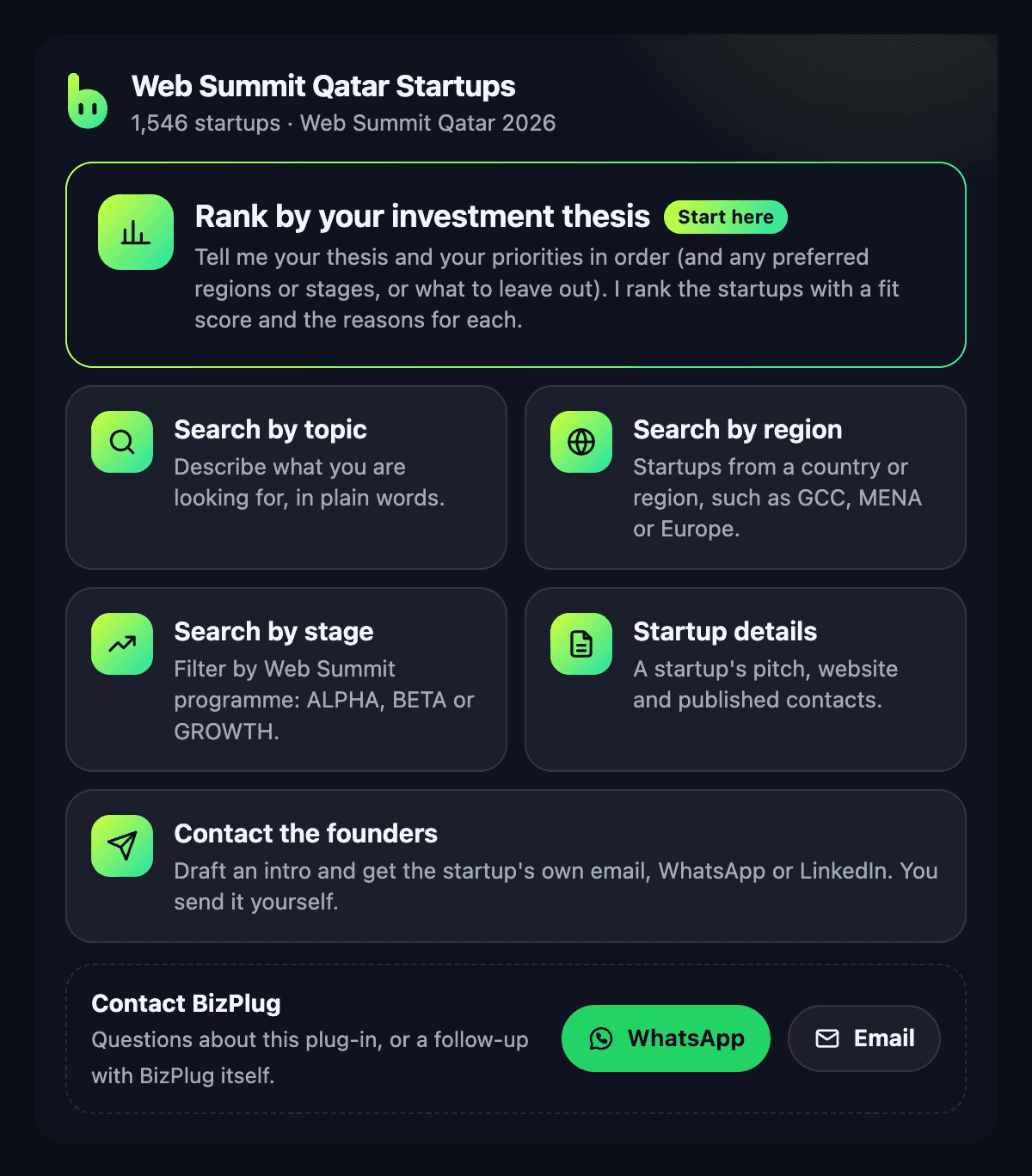
This plug-in lets an investor search the 1,546 startups that exhibited at Web Summit Qatar 2026 in Doha. Describe a thesis in plain words, filter by sector, country or region and startup programme, and read each startup's pitch. Give it your thesis and your priorities in order and it returns a ranked shortlist with a fit score and the reasons for each.
- Try: "Find GROWTH-stage fintech startups from the GCC at Web Summit Qatar"
- Try: "My thesis is AI for SME finance. Priorities: payments, then SMEs, then AI. Rank the startups I should meet"
- Add it in ChatGPT with: https://mcp.bizplug.ai/plugin/startups/websummit-qatar
The fit score is keyword matching on what each startup has published. It is not a judgement of quality or investment advice, and the directory has no funding data. To reach a startup, the plug-in drafts an intro and gives you the startup's own published email, WhatsApp, LinkedIn or website: you contact the founders yourself, and BizPlug is not in the middle. BizPlug is not affiliated with Web Summit.
How to add a plug-in in ChatGPT
- In ChatGPT, open Settings, then Apps & Connectors, and turn on developer mode.
- Create a connector with the plug-in's address as the MCP server URL. No sign-in is needed.
- Start a new chat, pick the connector and ask "What can this plug-in do?" Every plug-in answers with its menu.
Get your business profile in ChatGPT set up for free.
Get my free profile